Trip Sheet Central App for iPhone
About
- Category: Business, Productivity
- Price: FREE*
- Family Sharing: Yes
- Language: English
- Seller: Trip Sheet Central
- © 2026 Trip Sheet Central LLC
- Rated: 4+
- Requires iOS 17 or later
* FREE with subscription
Plans start at $40/month

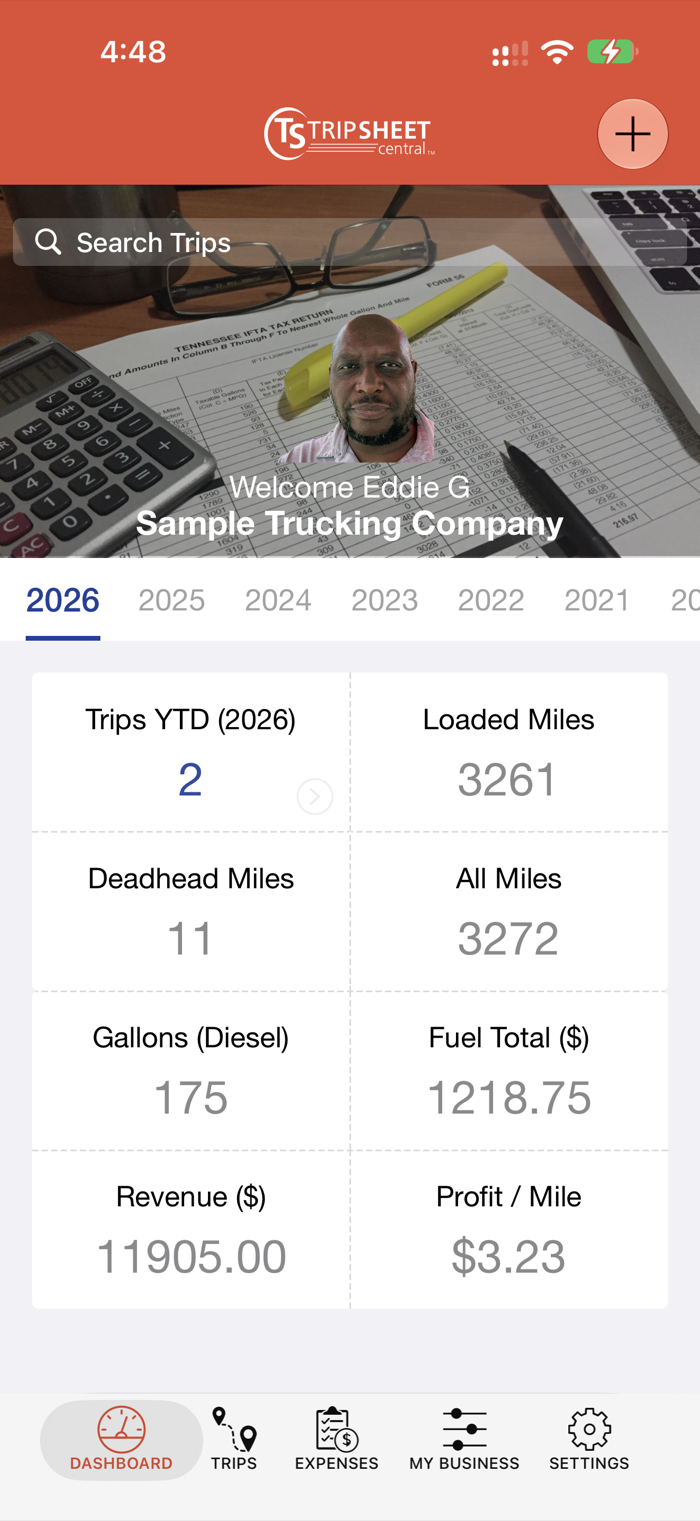
Trip Sheet Central is a business tool for managing trip reports, income, expenses, shippers, receivers, brokers, accounting statements and IFTA (fuel) Tax.
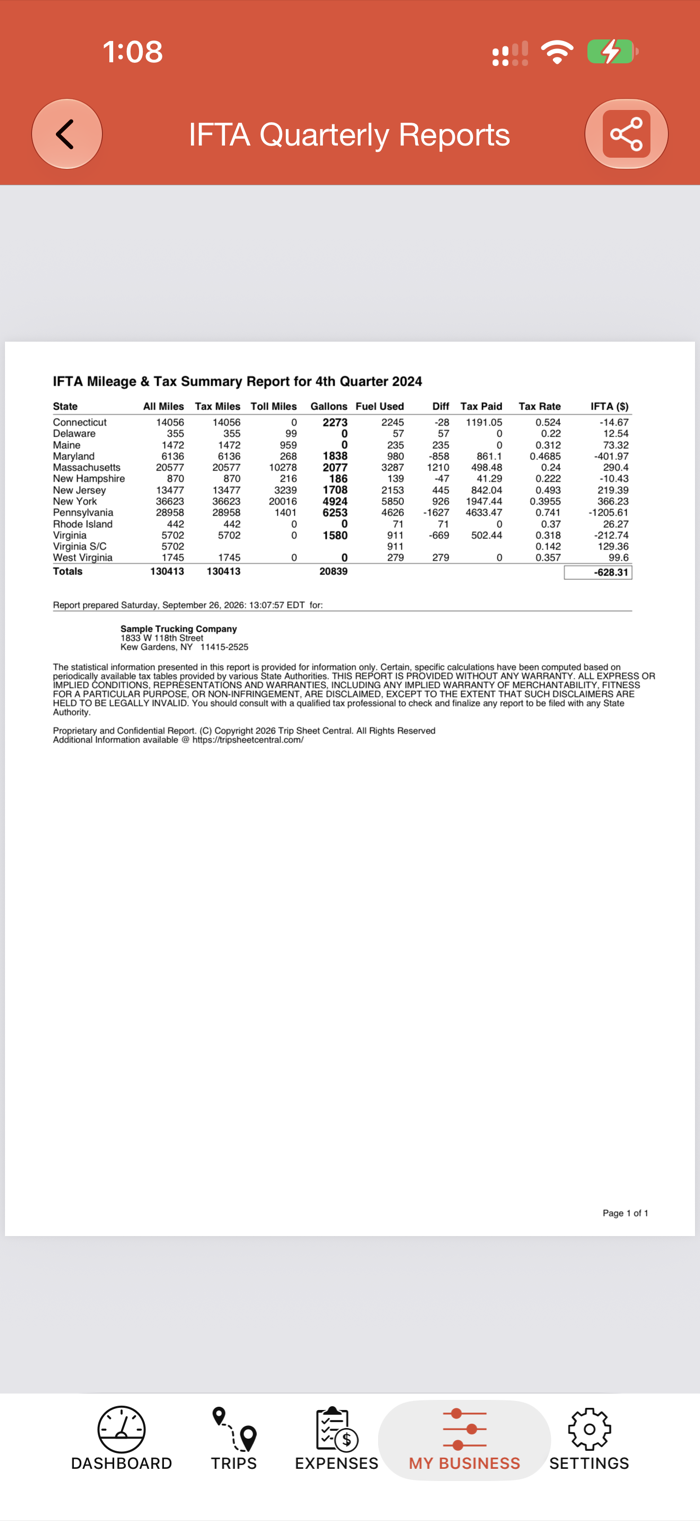
Trip Sheet Central makes it easy to file Fuel Tax, manage cash-flow, meet FMCSA (Federal Motor Carrier Safety Administration) compliance standards, and many more business reports.
Take Your Trucking Office to the Next Level
Access and manage trucking business information securely in an easy to use format from the app, or any internet browser.
New in 2.1
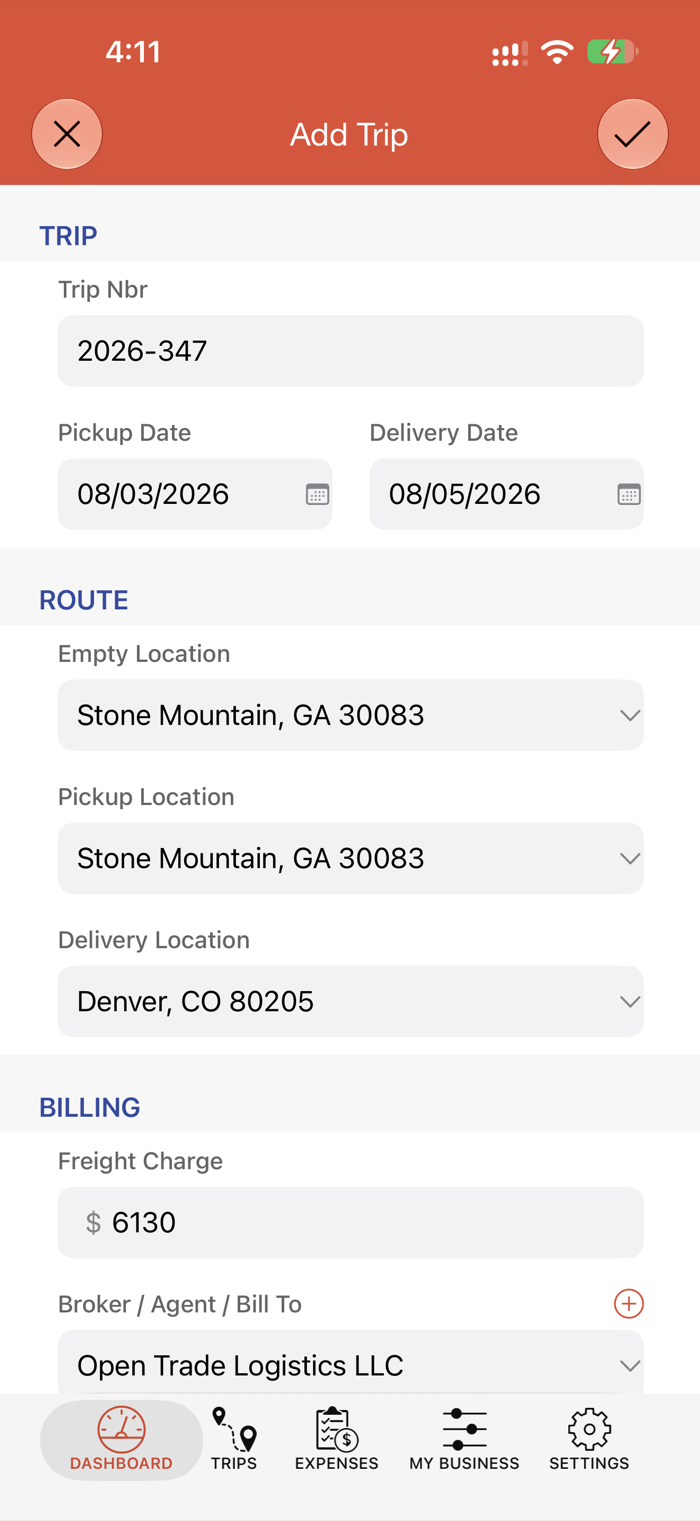
- Start a trip from a rate confirmation or BOL: scan it, choose photos, or choose the broker’s PDF
- Share a rate confirmation or BOL to Trip Sheet Central from Mail, Files or Photos
- Receipts saved with the expense; fuel and DEF on one receipt
- Receipt scan finds the vendor, place and expense type more reliably
- GPS IFTA miles you can steer: review miles, continue tracking, add a state
- Clearer messages when something can’t be saved or deleted
New in 2.0
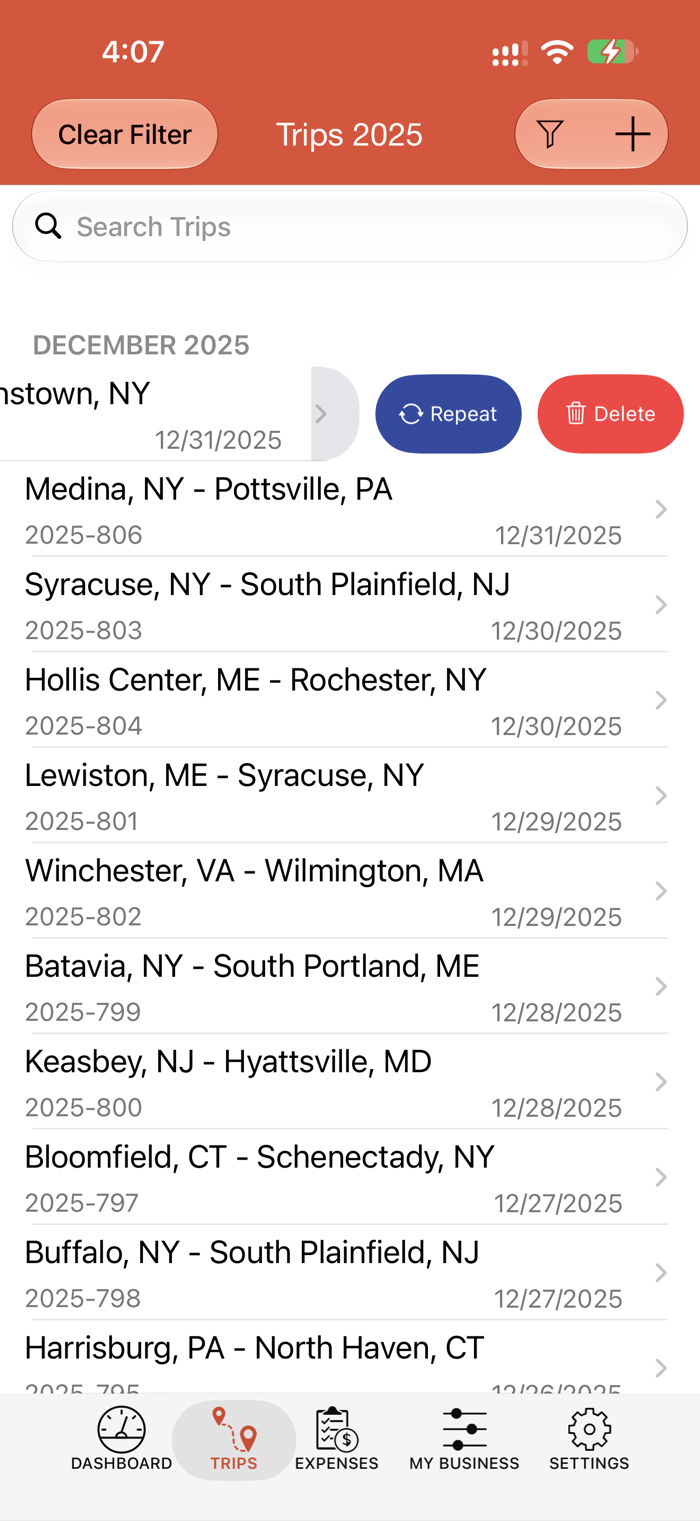
- Copy this Trip: start a new trip from an earlier one
- Works offline: entries are sent automatically when you are back online
- GPS IFTA miles: track a trip and get the miles driven in each state
- Receipt scan fills in amount, date, gallons and vendor
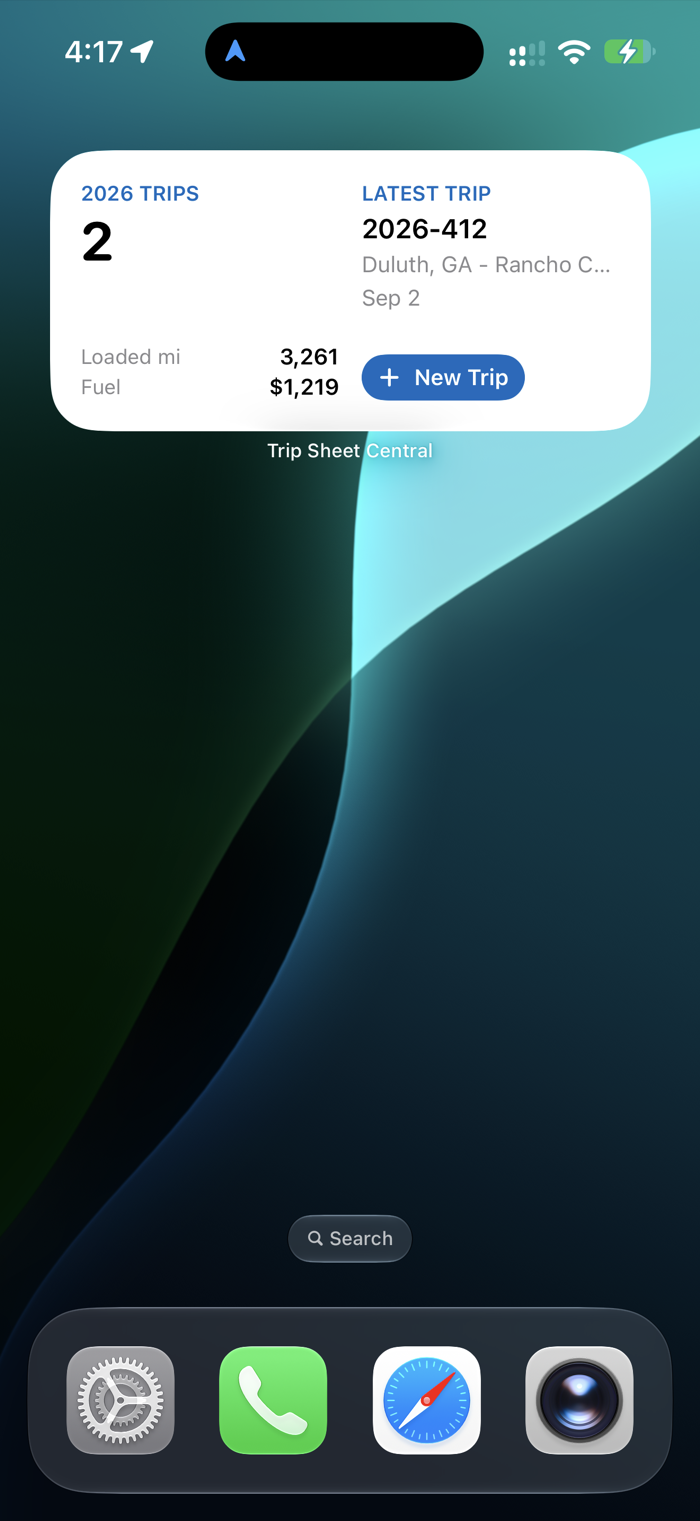
- Home-screen widget, quick actions, Siri and Shortcuts
- Reminders for IFTA due dates and driver CDL/medical card expirations
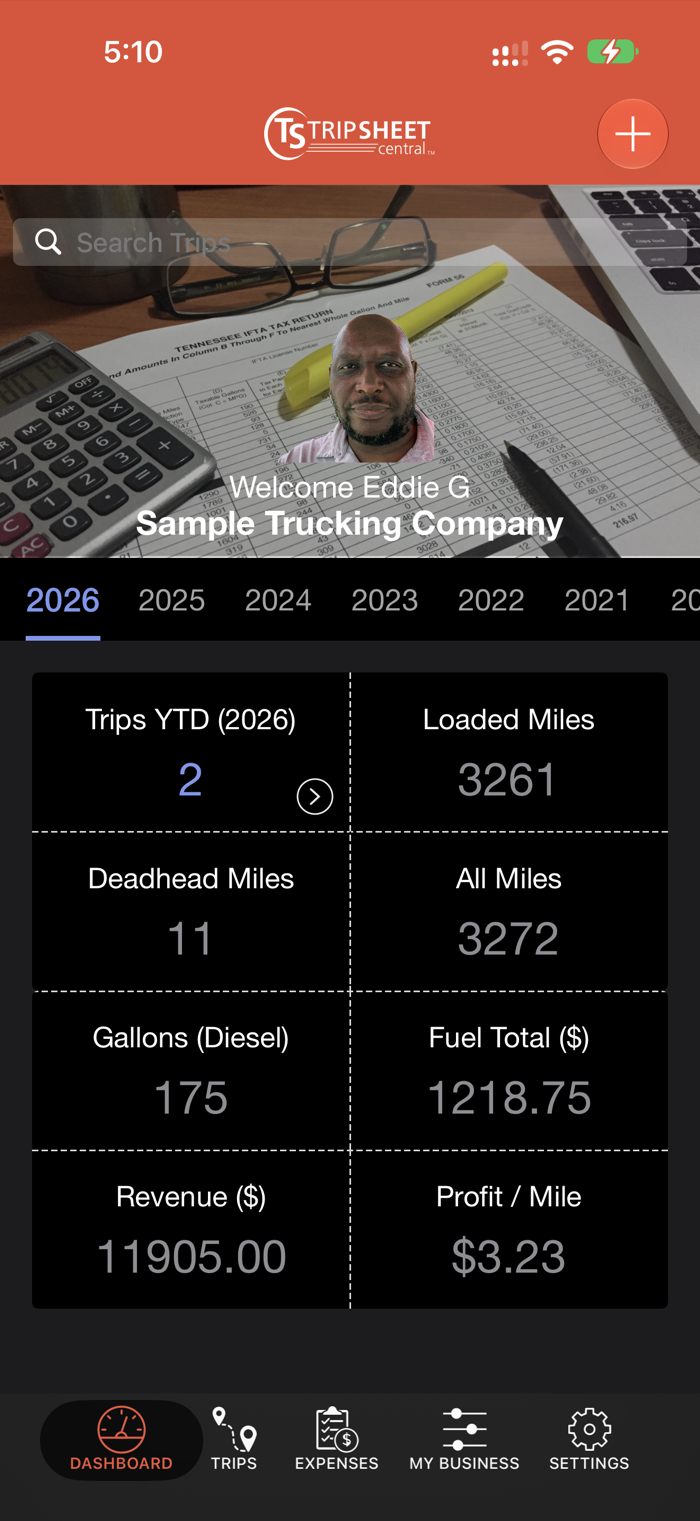
- Profit per mile on the Dashboard
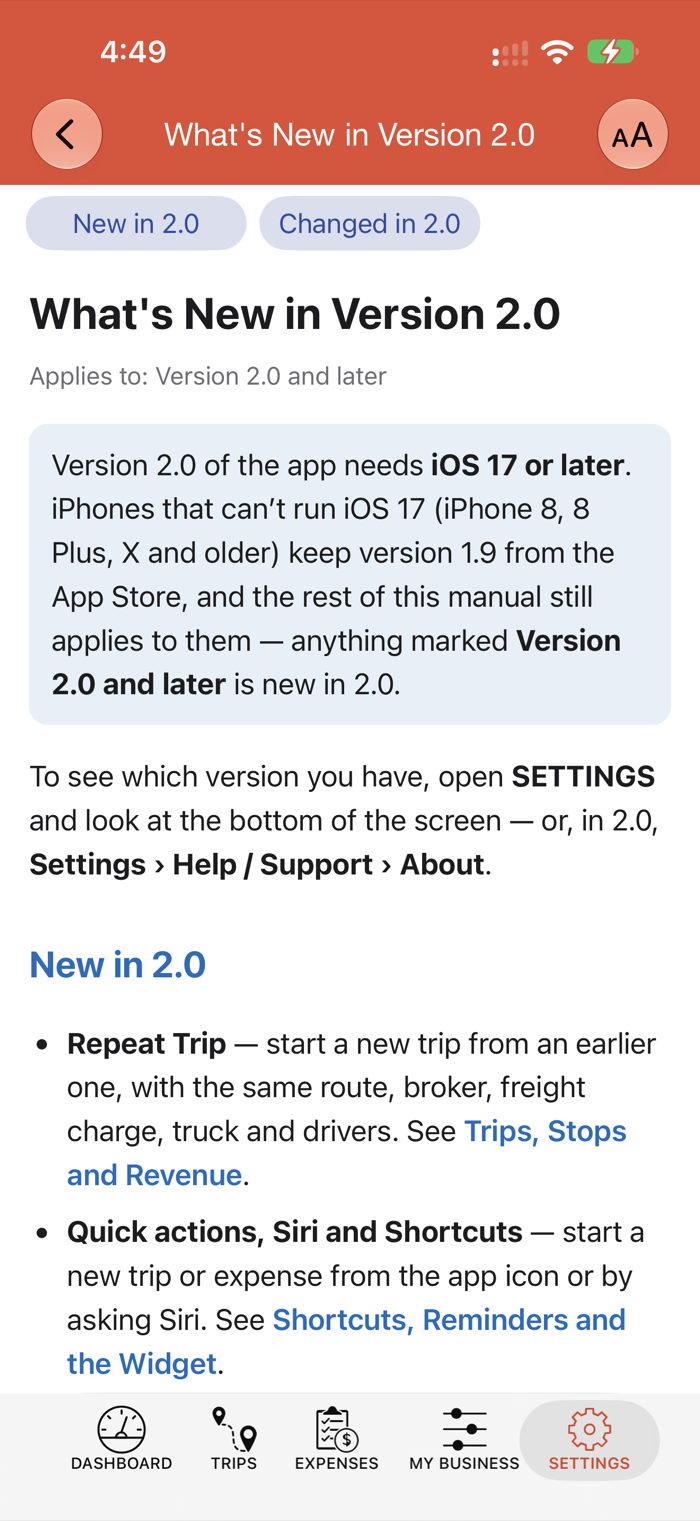
- User Manual built into the app
- Dark mode
Features
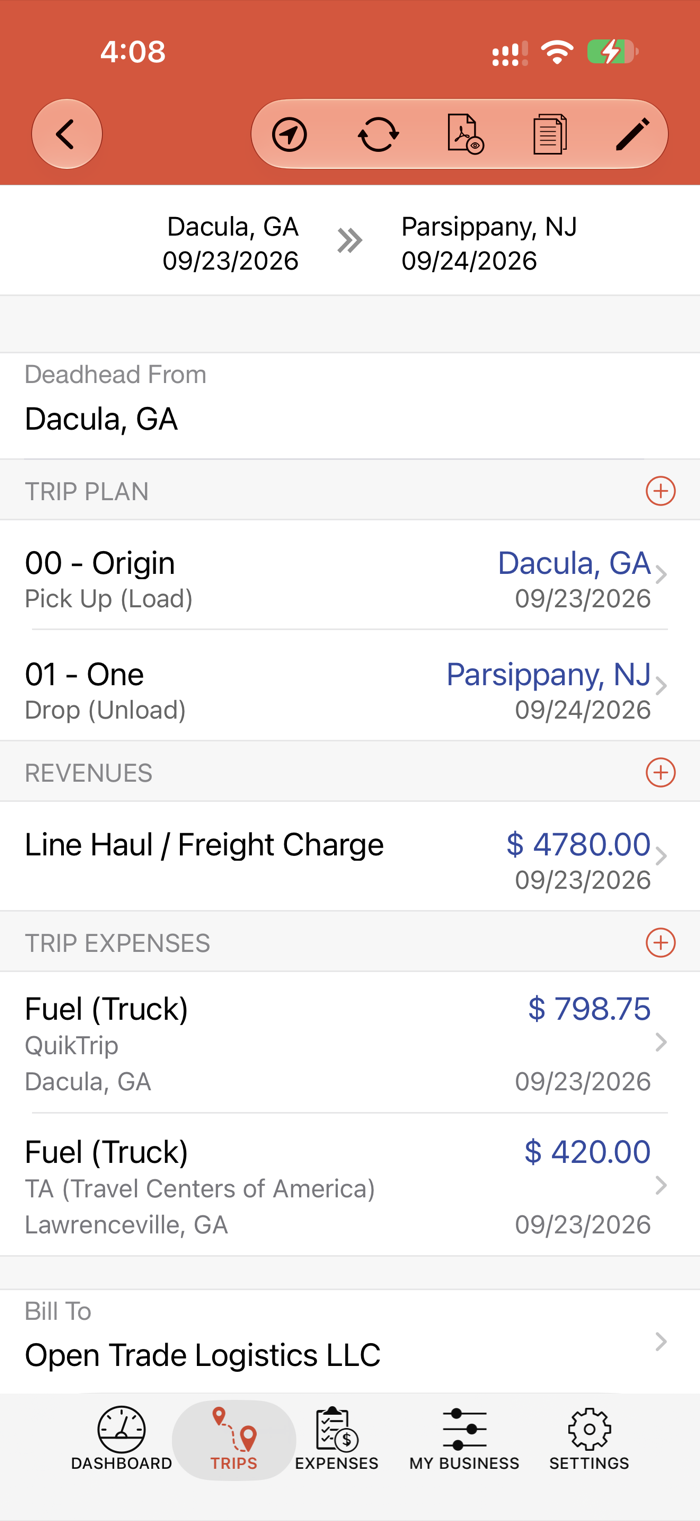
- Detailed Trip Sheets, started from a rate confirmation or BOL
- Business Data:
- Trip Reports
- Trip, Maintenance, and Office Expense Reports
- Shippers, Receivers
- Freight Brokers, Agents
- Truck Stops, Vendors, Suppliers
- Trucks/Trailers Inventories
- Drivers
- Quarterly IFTA (Fuel Tax) Reports, with GPS miles by state
- Unlimited fleet size management
- Real-time sync with website
- Works offline
- User-friendly interface, in light or dark mode
Screenshots